![dtplus-logo-1.png]](https://support.digitaltheatreplus.com/hs-fs/hubfs/dtplus-logo-1.png?width=70&height=70&name=dtplus-logo-1.png)
Why do content pages appear broken or missing images on Digital Theatre+?
If you find that pages for content look like this:
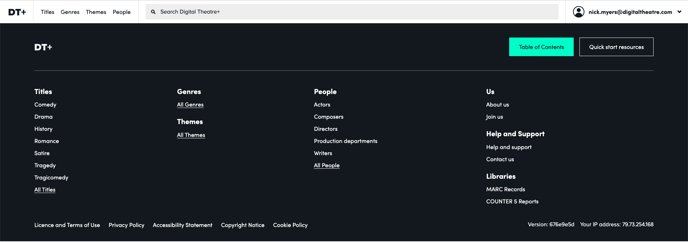
And the homepage looks like this (specifically the absence of a background image behind 'Start searching Digital Theatre+'.
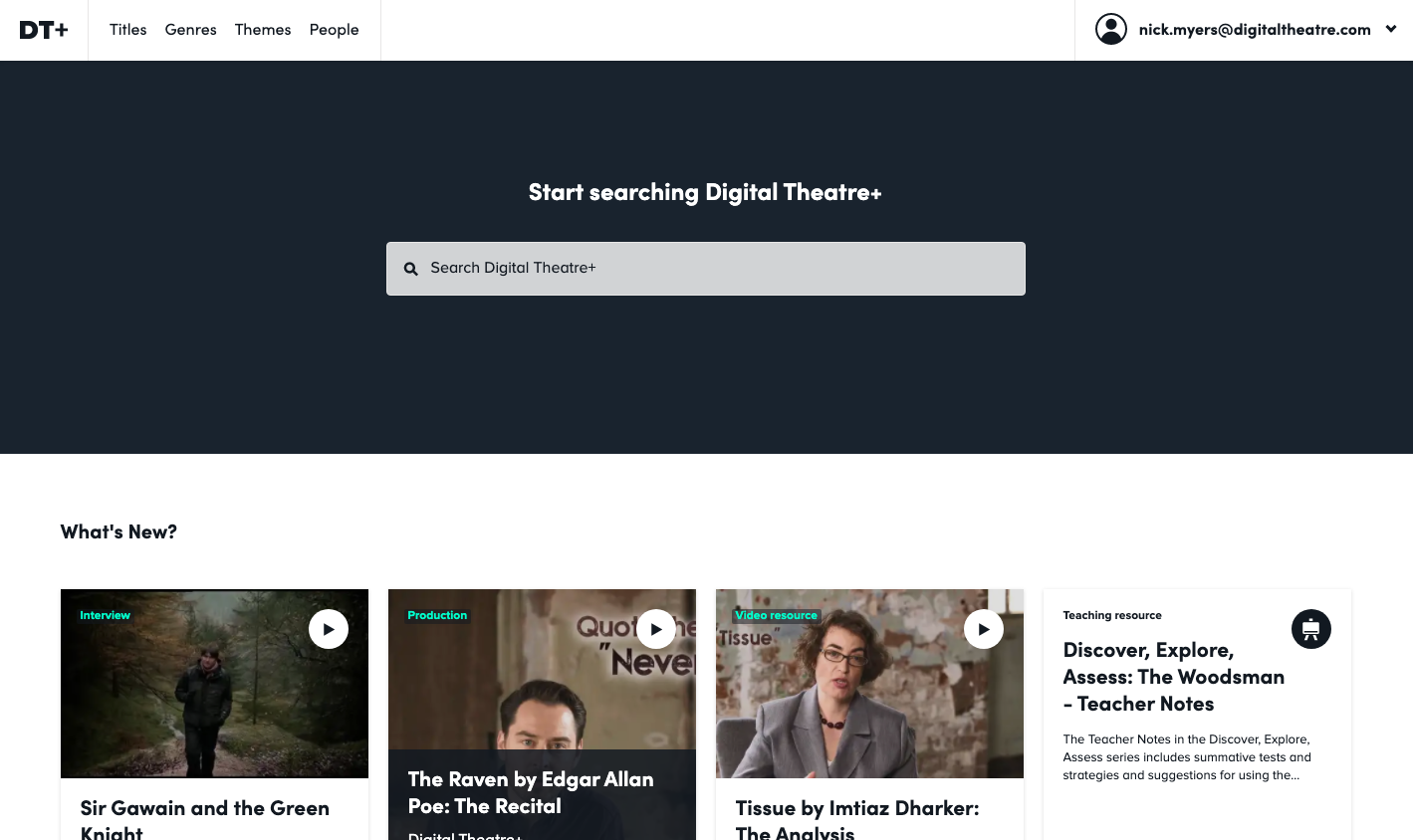
How do I fix broken content pages on Digital Theatre+?
Please contact your IT team or network administrator and ask them to allow the following domains, along with all other required domains. Your browser, computer, or network has been configured in a way that blocks these addresses.
https://cdn.contentful.comhttps://graphql.contentful.com